Software for configuring MicRA controllers via RS-485
MicRA K24 Prog.
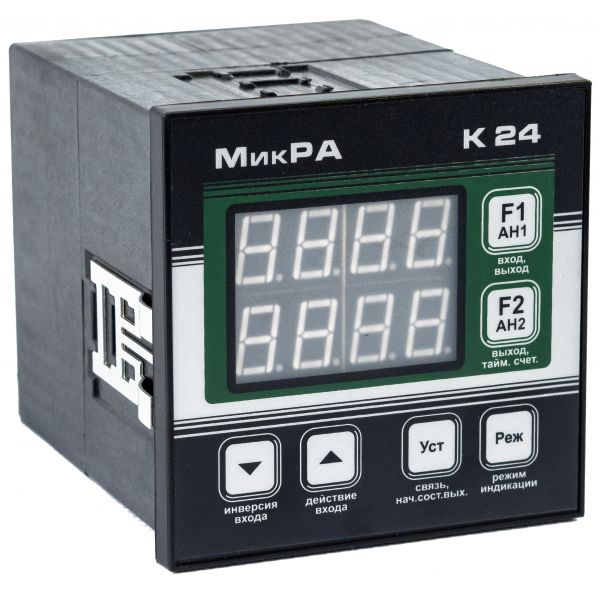
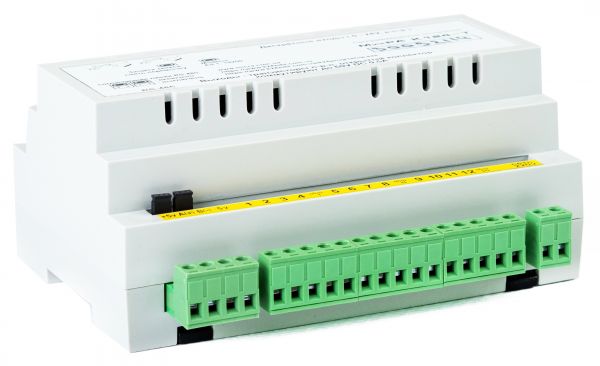
The program allows you to read the equipment operation programs from the MicRA K24, MicRA K14, MicRA K124 controllers, save them on a computer and write them to other controllers.
The program works only with controllers whose firmware version is at least 2.0.
To connect the controller to a computer, you need an RS-485 adapter connected to the computer's USB or COM port.
To prevent computer failure, when connecting controllers already installed on industrial equipment, it is necessary that the adapter used has galvanic isolation of external circuits from computer port circuits.
To run the program, you need a computer running Windows 7, 8, 10, 11 with pre-installed Microsoft .NET Framework version 4.0 or higher.
The program is installed from the developer's site. After saving the Setup.exe file, run it and follow the instructions. In the future, at each launch, the program itself monitors its updates and offers to install the latest version.
On some computers, for the initial launch of the installer, you must allow the antivirus program to download and run it. This is due to the fact that, in the opinion of antivirus specialists, this program still has an insufficient number of downloads and confirmations of safety and usefulness ...)))).
To install the application, follow the link and download the installer.
To run the program without installing it in the Start menu and without the possibility of its automatic updating, the program files can be downloaded in the archive at the link: https://www.k24edit.com.ua/k24prog/K24Prog.zip
or https://www.k24edit.com.ua/k24prog/onefile/k24prog.exe
MicRA K24 Tune.
Compared to the MicRA K24 Prog program, this program has more advanced functionality that affects the deeper settings of the controllers, therefore it is recommended for use only by experienced tuners and equipment adjusters.
The program allows you to read the equipment operation programs from the MicRA controllers, save them on a computer and write them to other controllers. Also in this version, the functions of calibrating and configuring analog inputs, checking the status of inputs / outputs, installed jumpers, and checking the functioning of fast inputs have been added.
To run the program, you need a computer running Windows 7, 8, 10, 11 with pre-installed Microsoft .NET Framework version 4.0 or higher.
The program is installed from the developer's site. After saving the Setup.exe file, run it and follow the instructions. In the future, at each launch, the program itself monitors its updates and offers to install the latest version.
On some computers, for the initial launch of the installer, you must allow the antivirus program to download and run it. This is due to the fact that, according to antivirus programs, this program still has an insufficient number of downloads and confirmations of safety and usefulness...))))
To install the application, follow the link and download the installer.
To run the program without installing it in the Start menu and without the possibility of its automatic updating, the program files can be downloaded in the archive at the link: https://www.k24edit.com.ua/k24tune/K24Tune.zip
MicRA K24 Edit.
It is still in test mode, but the online editor of equipment operation programs for controllers MicRA K24, MicRA K14, MicRA K124 is already quite functional.
https://www.k24edit.com.ua/